How to Use Bold and Italic Text in Your Social Media Bio (2026 Guide)
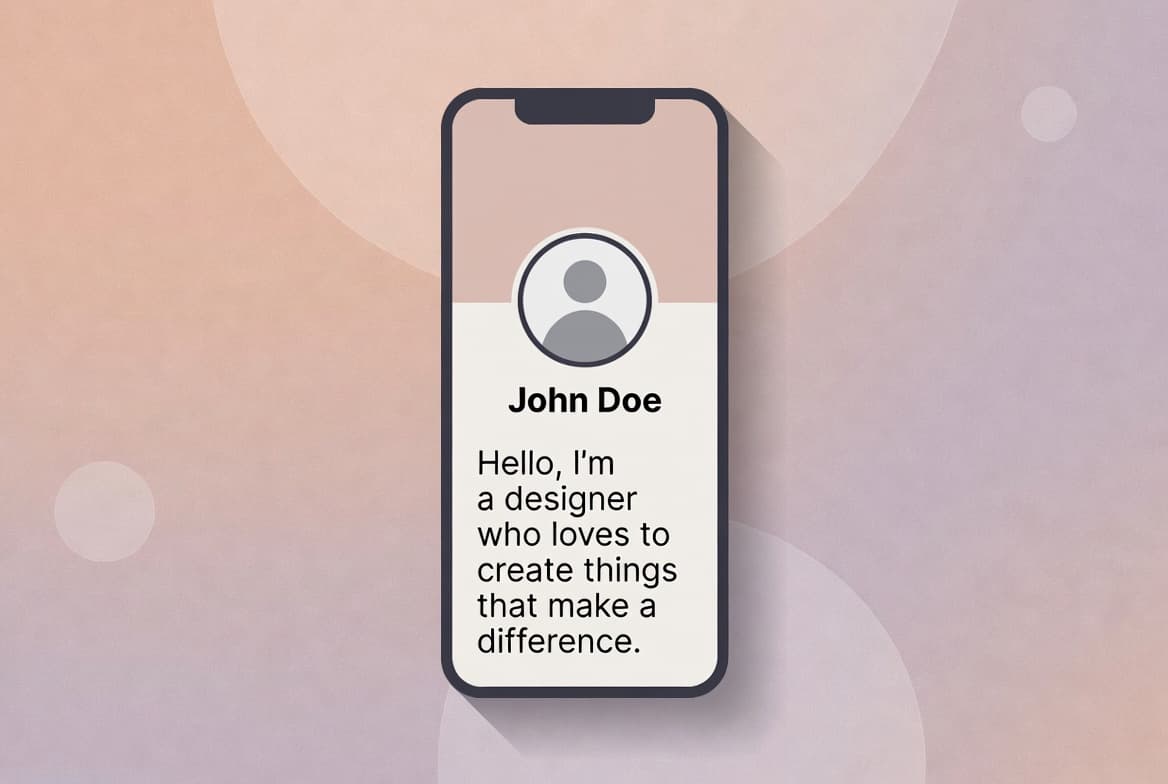
I'll be honest — for years my Instagram bio was just plain text sitting there doing nothing. Then I noticed a few creators I follow had these clean bold headings and little italic taglines in their bios, and it genuinely made their profiles look way more put-together. Turns out it's not some hidden app feature. It's a simple trick anyone can do in under a minute.
Here's the catch: Instagram, Facebook, TikTok, and Twitter/X don't actually let you bold or italicize text from their own apps. There's no button for it. What's really happening is people are pasting in special Unicode characters that look bold or italic — and you can generate those for free with an online tool, then just paste them straight into your bio.
Why bother with bold and italic in your bio at all?
Think of your bio as your digital handshake. Most people decide whether to keep scrolling or actually follow you within a couple of seconds. A little formatting goes a long way toward making that decision easier:
- Your job title or business name pops out instead of blending into the rest of the text
- Your call-to-action ("DM for collabs," link in bio, etc.) actually gets noticed
- Italics work great for a quote or a subtle tagline underneath your name
- The whole thing just looks more intentional instead of a wall of plain text
I've found that even changing one line — just your name or title — makes a noticeable difference in how finished a profile feels.
Okay, how do I actually do this?
It's genuinely four steps. No app to download, no account to make.
1. Open a text generator
Head to the free Fancy Text Generator in your browser — works fine on your phone or a laptop.
2. Type in whatever you want styled
This doesn't have to be your whole bio. Most people just style a few key words:
- Their title (Photographer, Founder, Coach — whatever fits)
- A short callout like "New drop this week" or "DM to collab"
- A quote or tagline they want to stand out
As you type, the tool spits out a handful of different bold and italic variations instantly.
3. Pick the style you like and copy it
Scroll through the options — there's usually more than one bold style (serif-ish, sans-serif-ish) — and hit copy on whichever one matches your vibe.
4. Paste it into your profile
- 1Open the app (Instagram, Facebook, TikTok, Twitter/X)
- 2Tap Edit Profile
- 3Tap into your Bio or Name field
- 4Paste the styled text where you want it
- 5Save
Done. It shows up instantly, no waiting, no approval process.
A few things I'd keep in mind
I've seen bios go from clean to chaotic pretty fast, so a couple of ground rules:
- Don't bold the entire bio — it defeats the purpose. Bold should highlight, not shout.
- Save italics for quotes, subtext, or anything a little more personal.
- Line breaks and a well-placed emoji do more for readability than people expect.
- Less really is more here — one or two styled lines usually outperforms a bio thats fully dressed up.
Good formatting should guide someone's eye to what actually matters — not turn your bio into a billboard.
Quick questions people usually have
Does this work on both iPhone and Android?
Yes — this is just Unicode text, which every modern phone renders the same way regardless of OS.
Can I bold my actual display name, not just my bio?
Yep, on Instagram and Twitter/X you can paste styled text right into the Name field too.
Is the tool actually free?
Completely — no paywall, no sign-up wall, no premium styles.
Give it a shot
Takes less than a minute and it's free, so there's no real downside to trying it. Open up the Fancy Text Generator, style your title or tagline, and see how your bio looks with a little polish.
Ready to try it yourself?
Open the Fancy Text Generator →